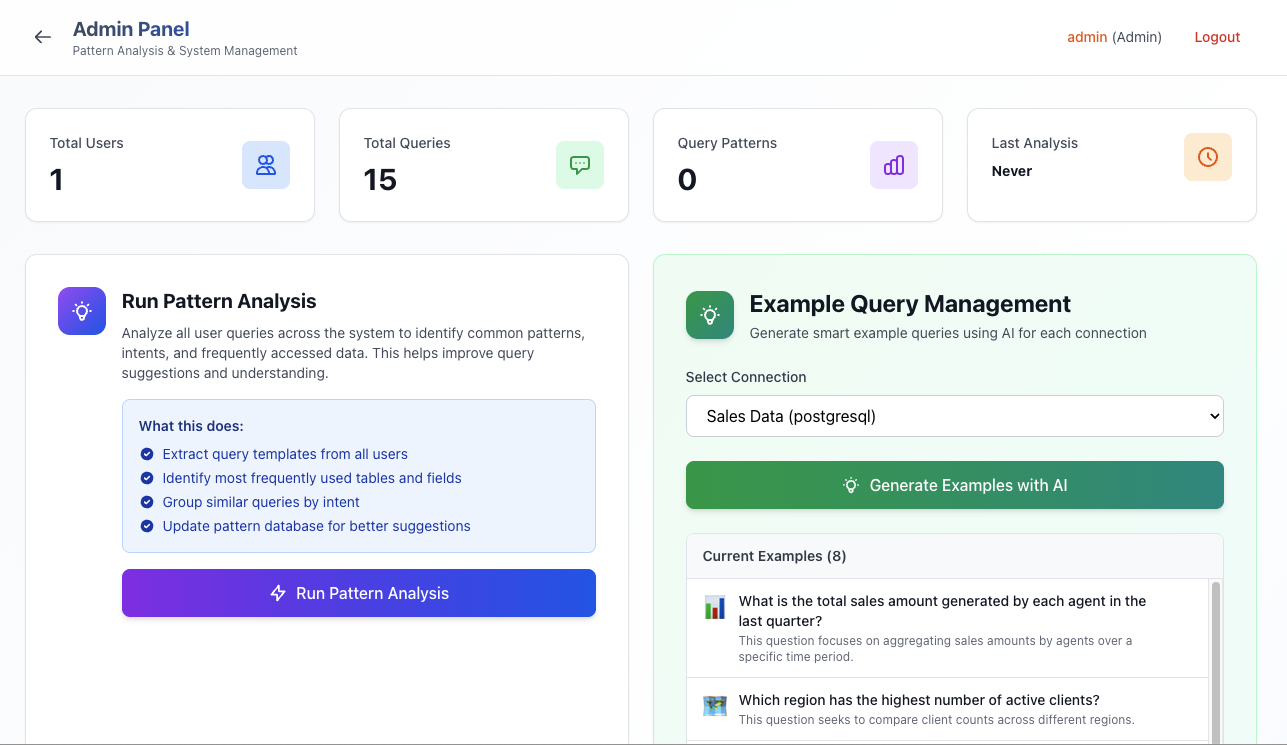
Screenshots
A visual tour of the DataTruth platform.
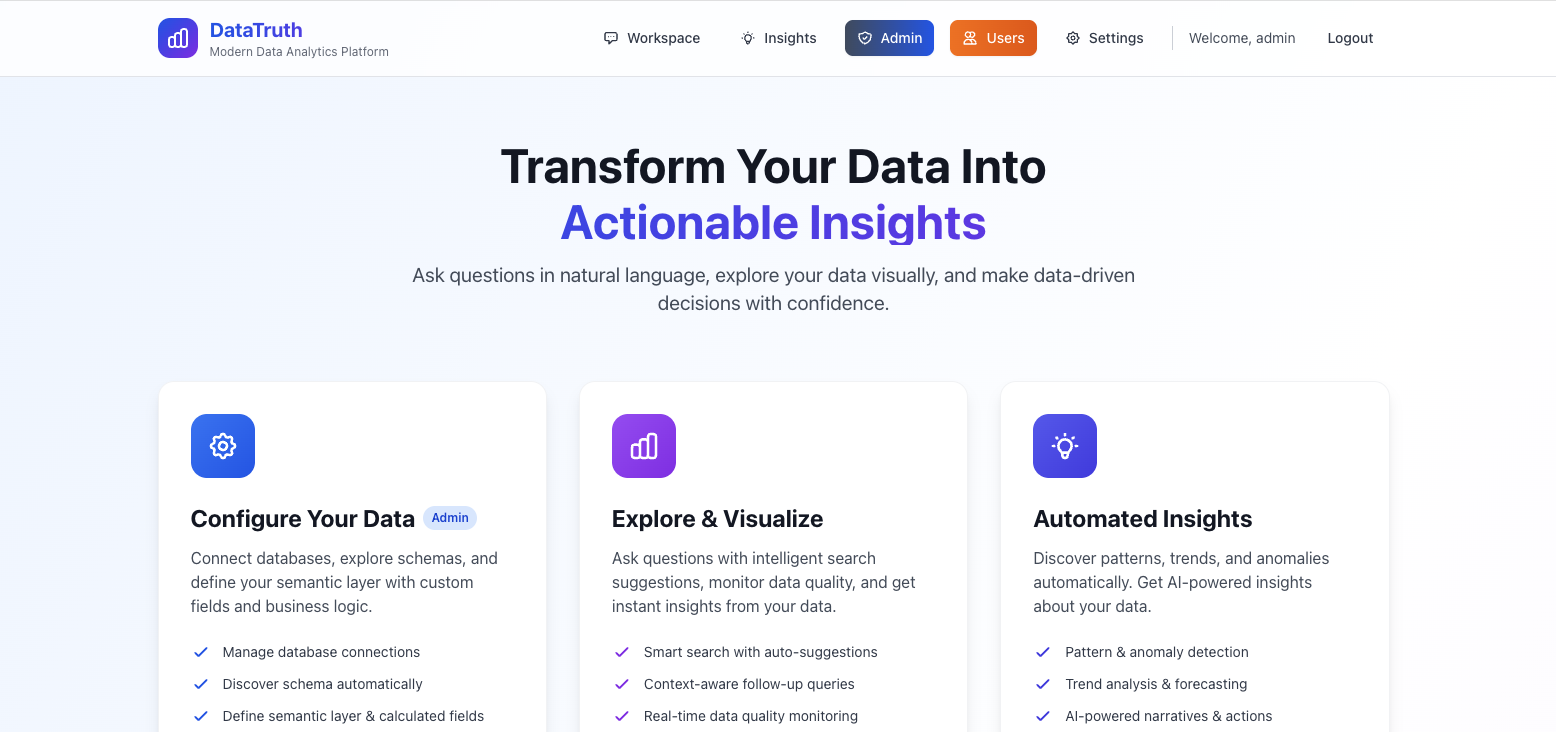
Landing Page
The main entry point — a clean, modern interface that guides new users to get started quickly.
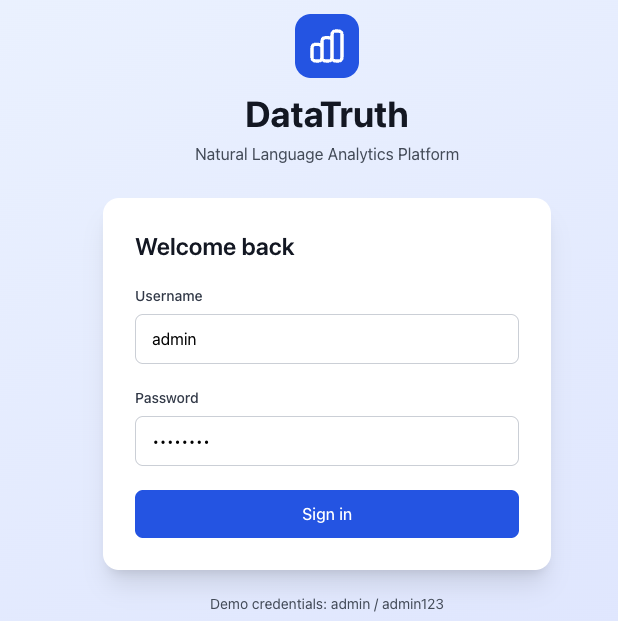
Login
Secure authentication with email and password. SSO options available for enterprise deployments.
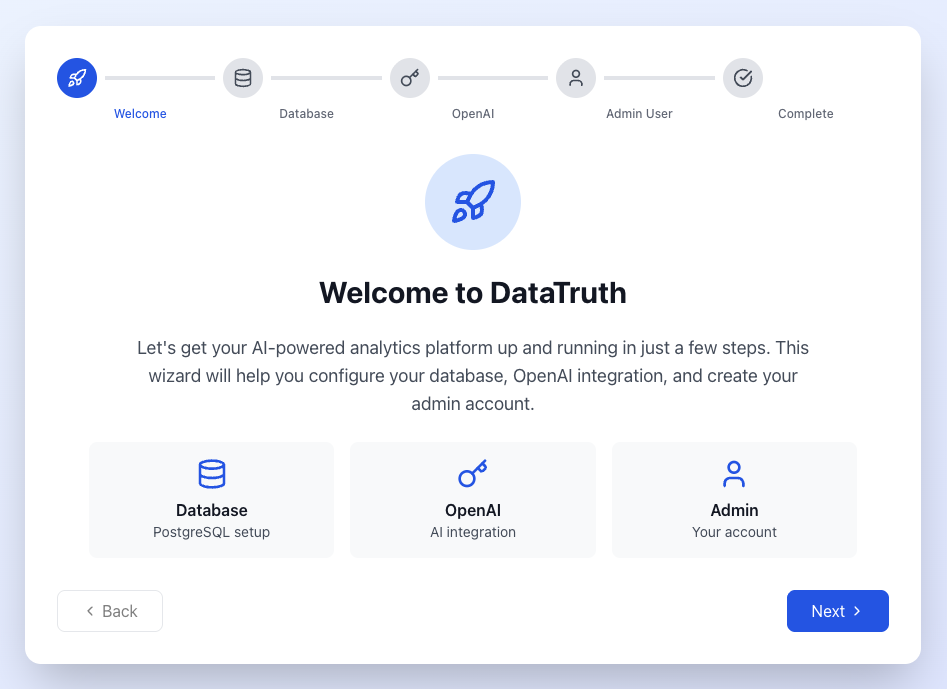
Setup Wizard
A guided, step-by-step web interface that configures DataTruth without any manual editing of configuration files.
Welcome Screen
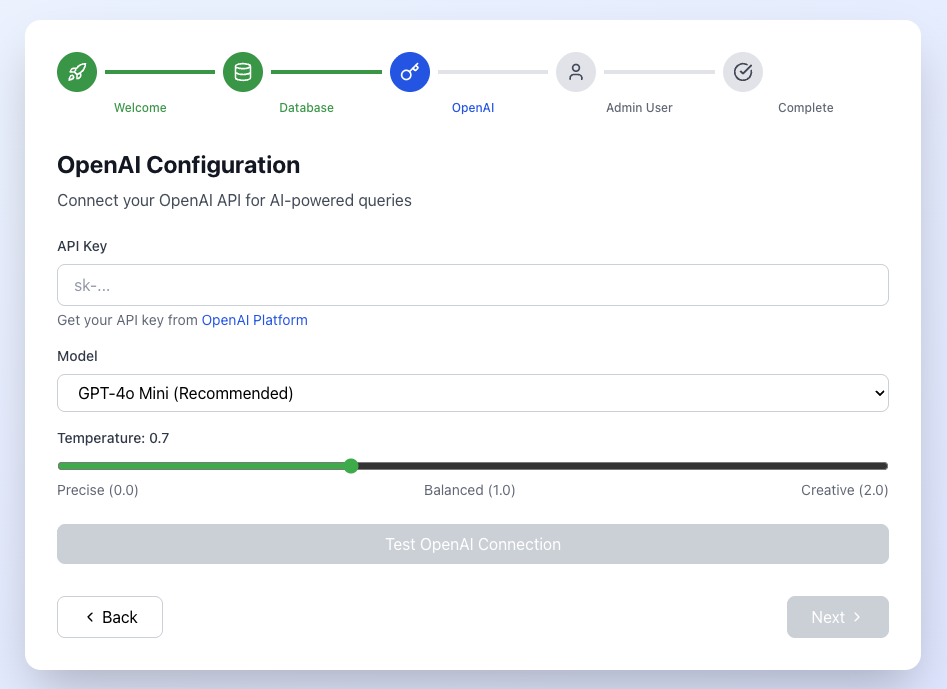
AI Model Selection
Choose your LLM provider and model — OpenAI GPT-4 or a locally hosted model.
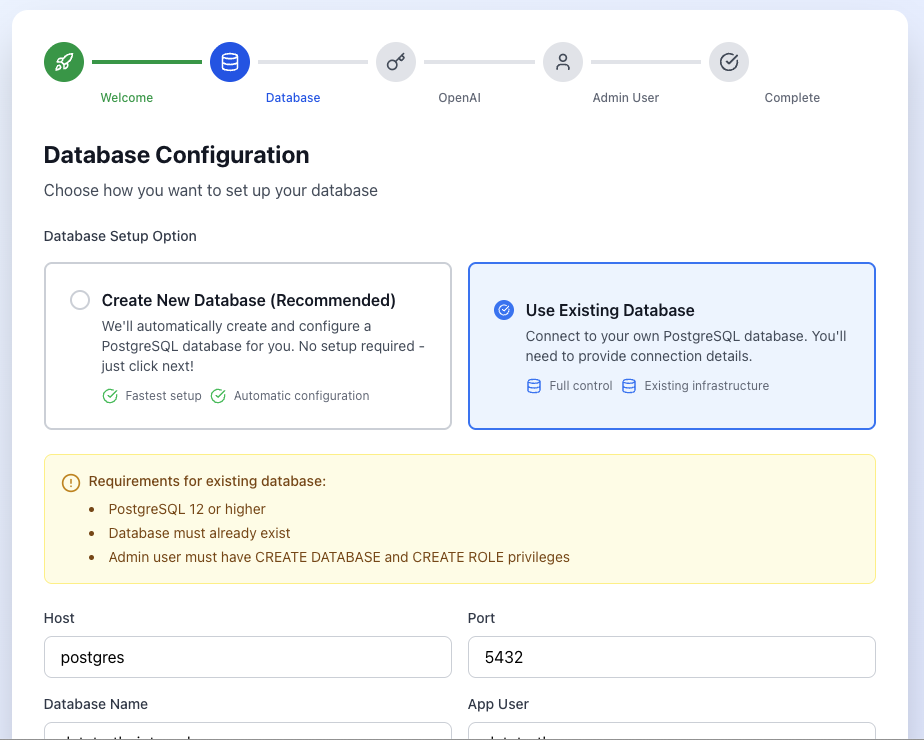
Connect Your Database
Point DataTruth at your existing database with read-only credentials. Test the connection before saving.
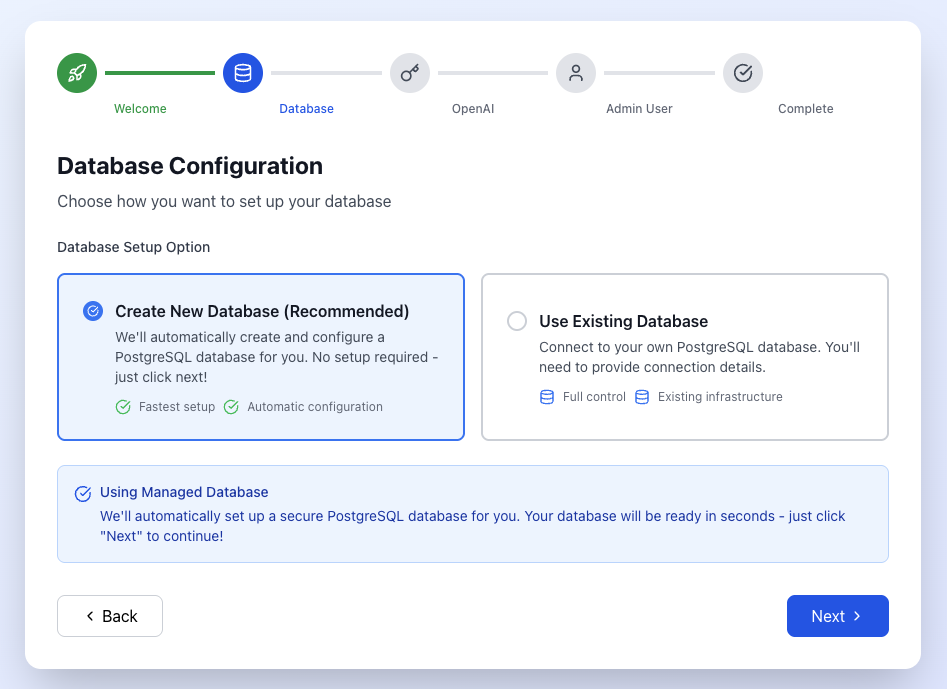
Internal Database Option
Alternatively, use the bundled internal demo database to explore DataTruth before connecting your own data.
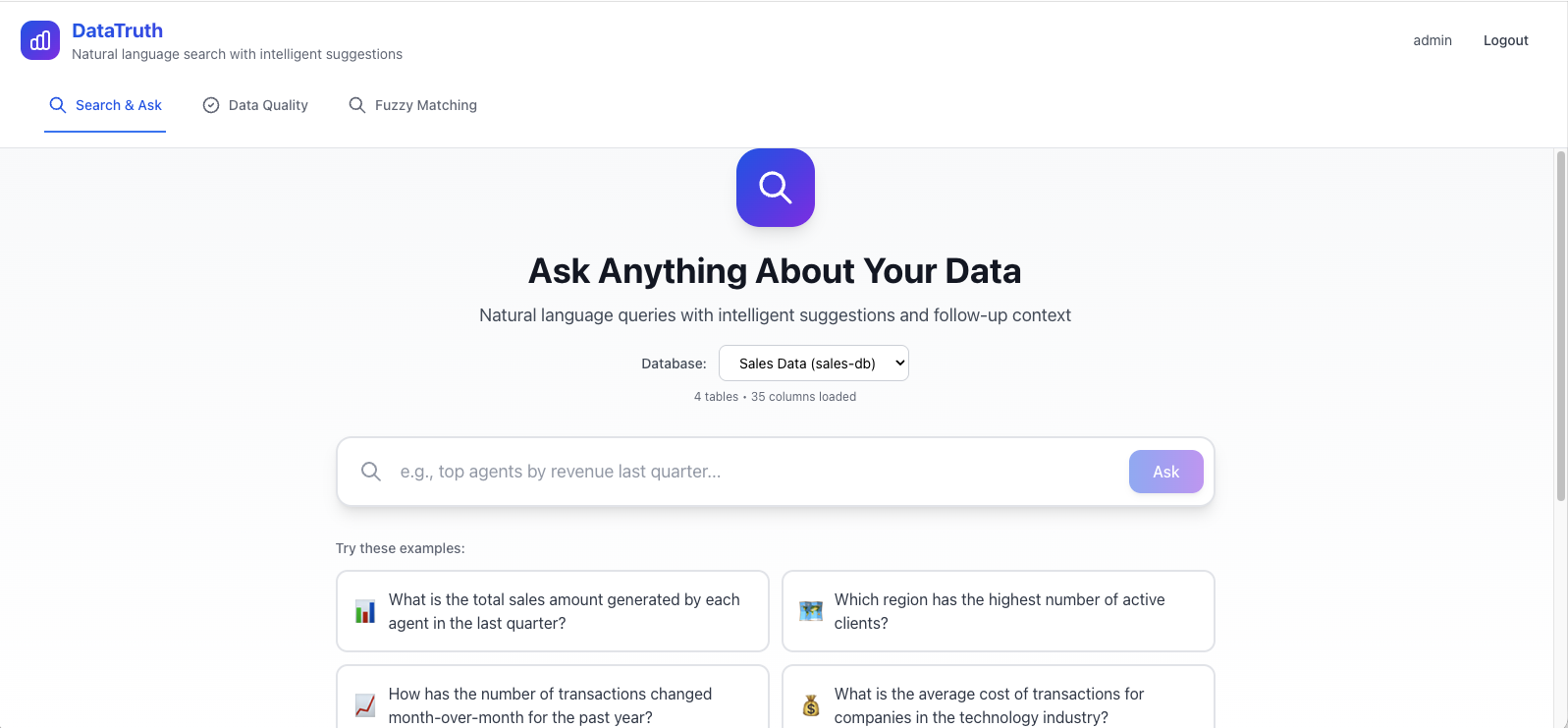
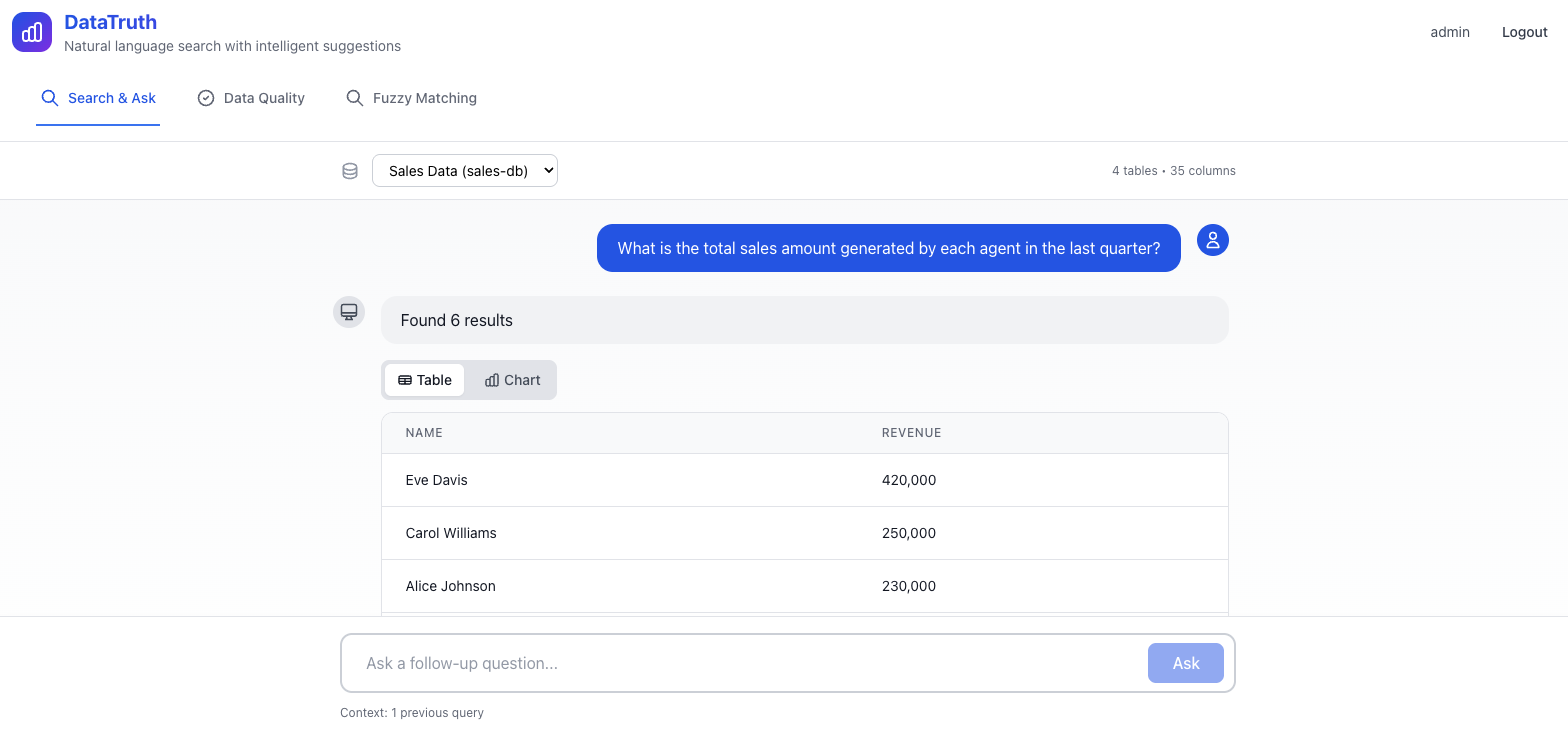
Natural Language Search & Query
The core interface — type a question, get an answer with a chart.
Real-Time Chat Interface
Conversational query interface with history, follow-up questions, and export options.
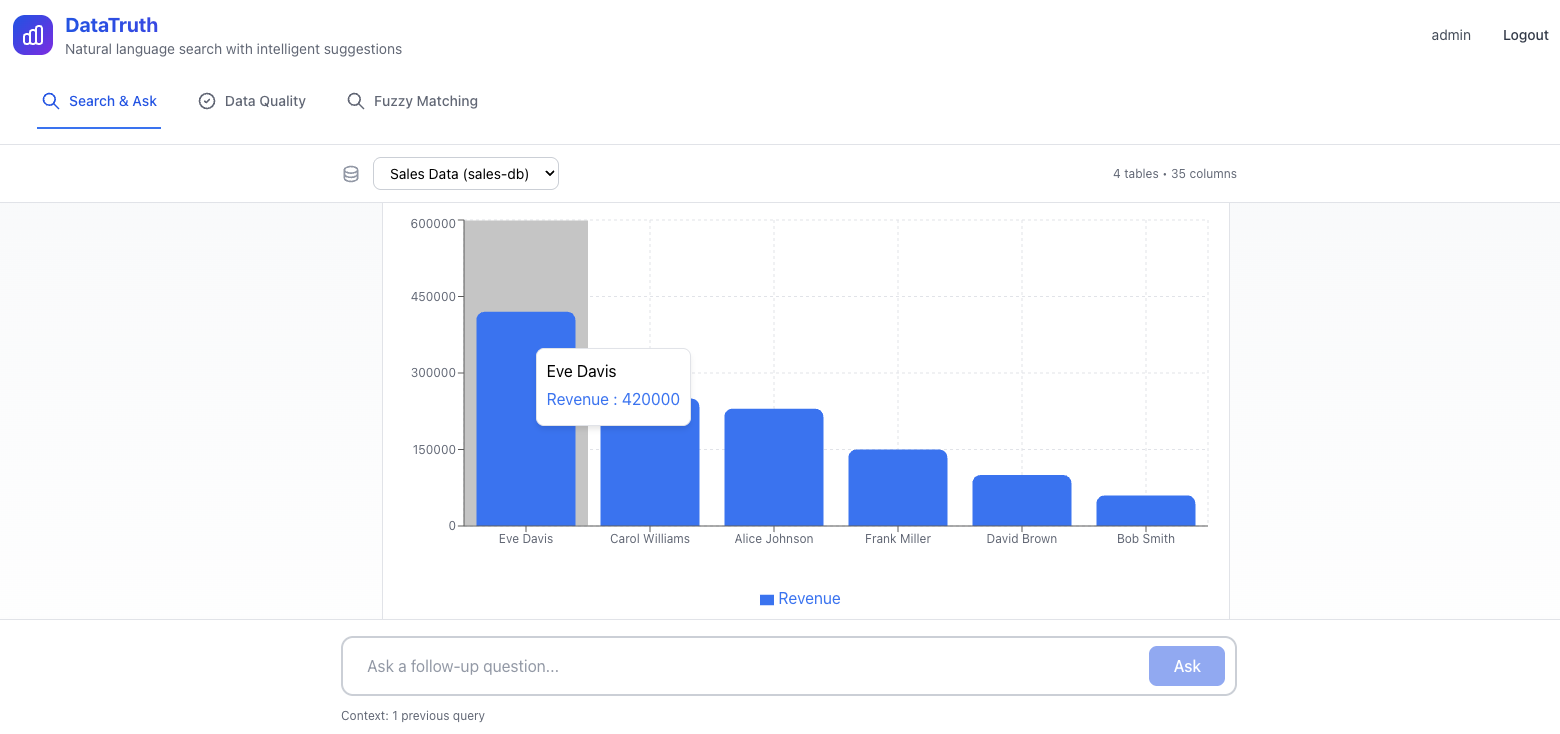
Charts & Visualisations
Automatically generated charts for every query result.
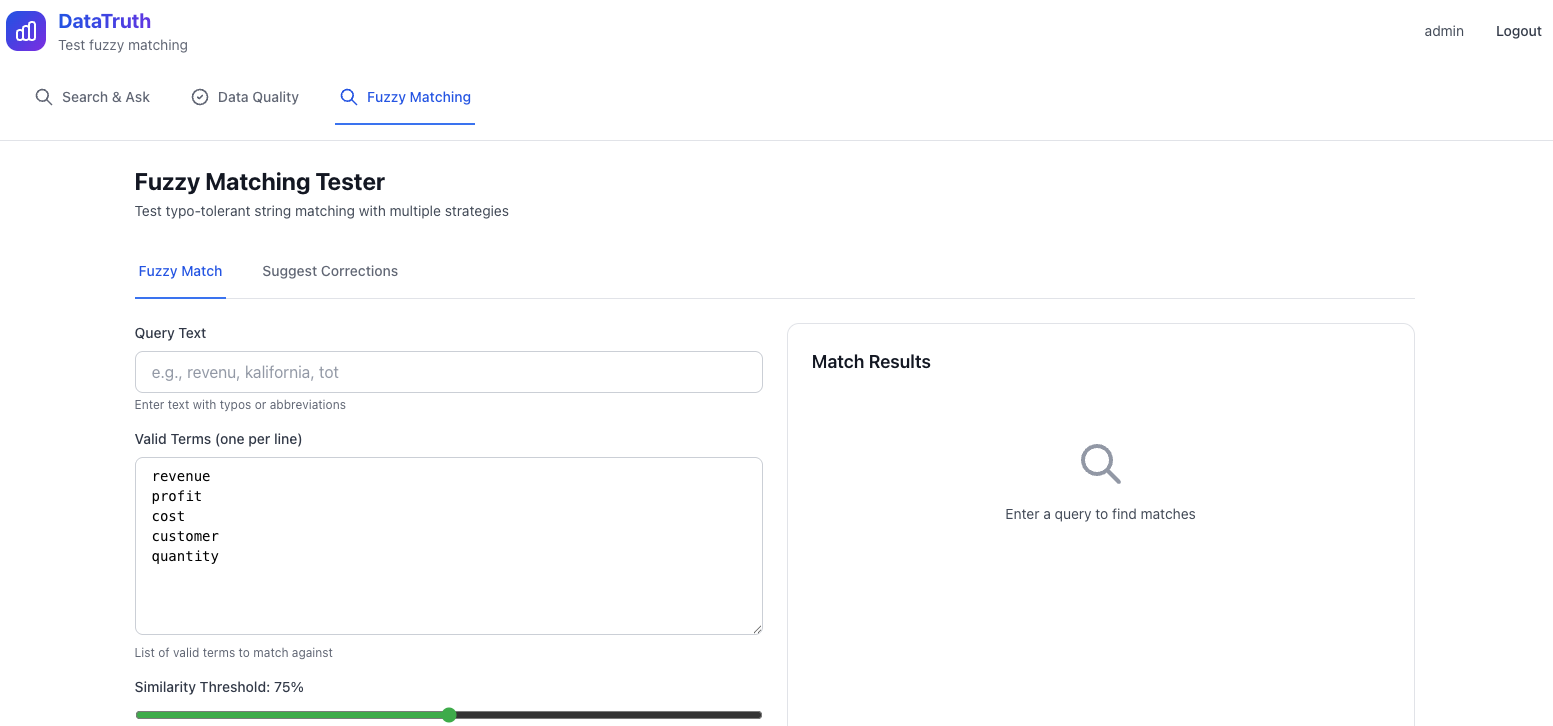
Fuzzy / Typo-Tolerant Search
DataTruth resolves approximate or misspelled terms to the right data.
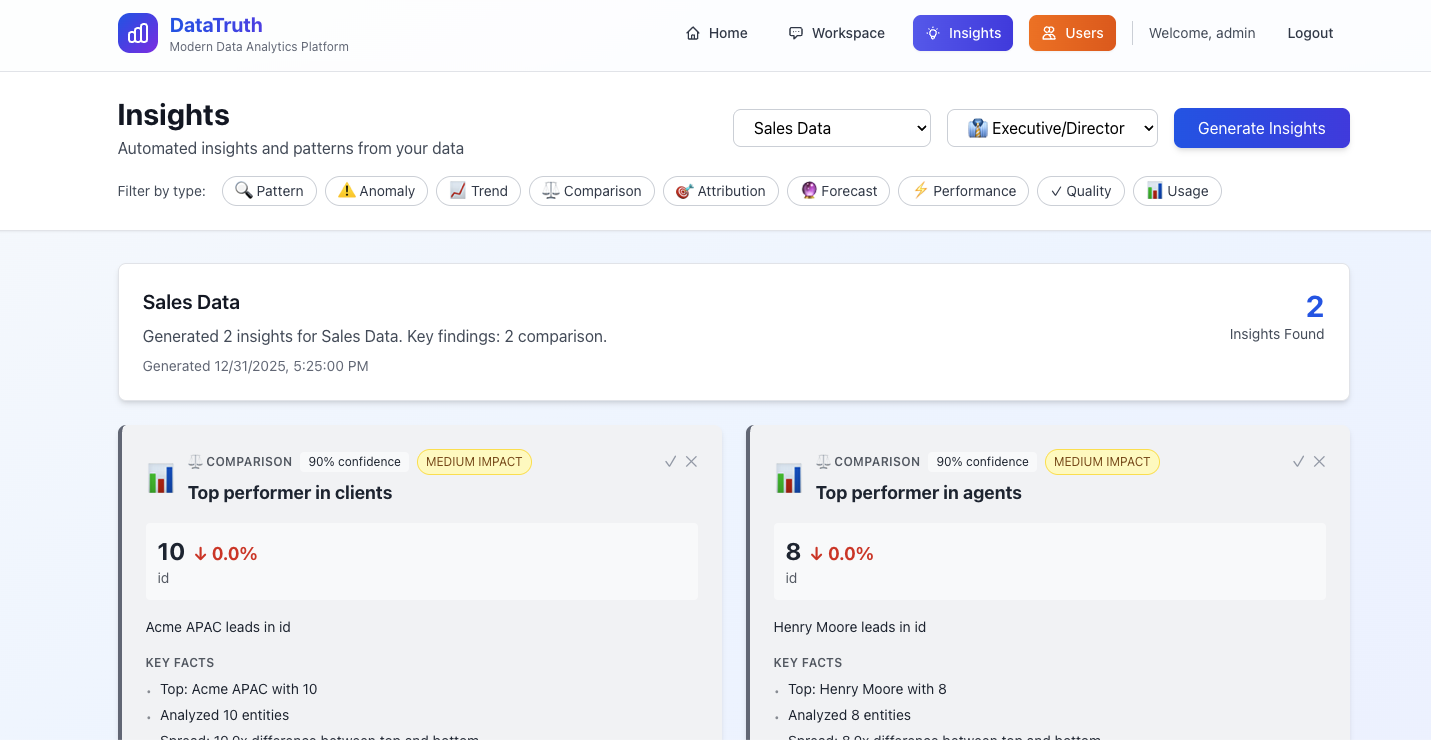
Role-Based Insights
Tailored views for different roles — this is the Analyst perspective.
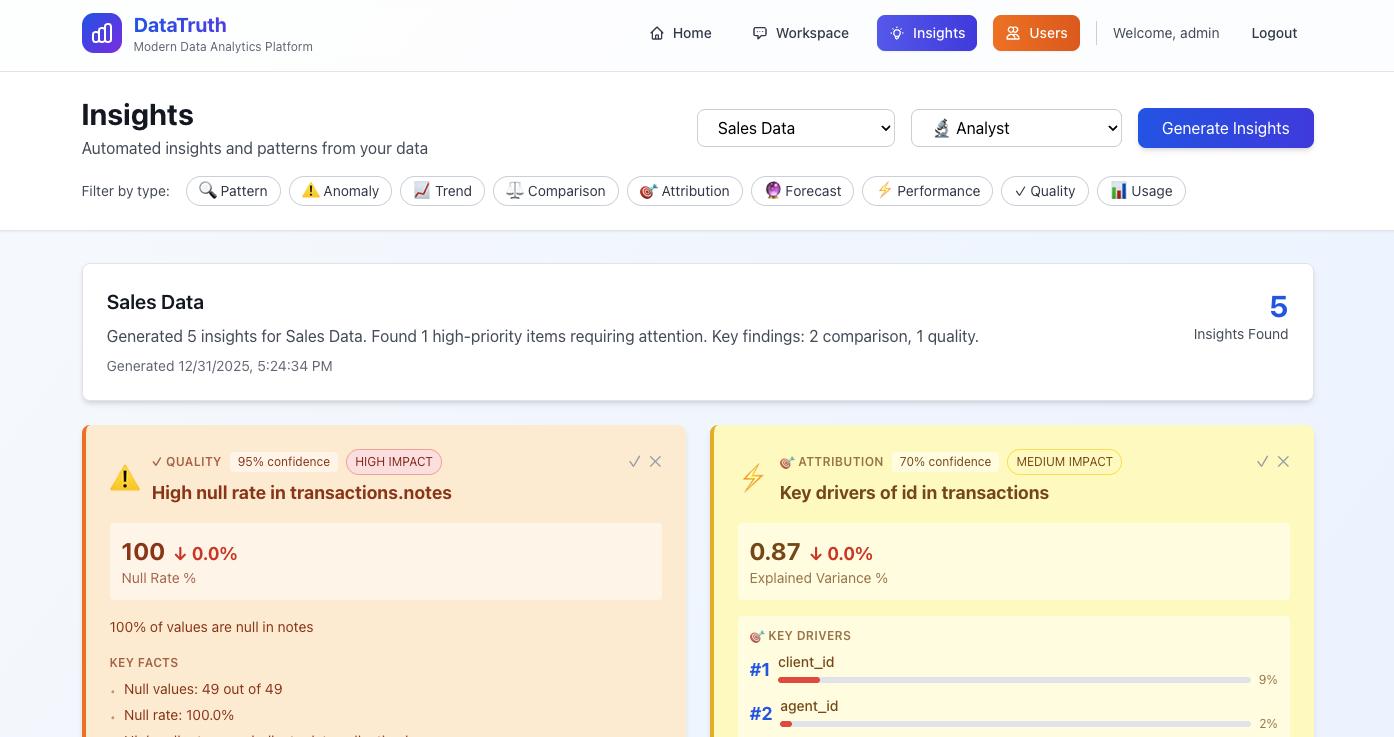
Executive Dashboard view:
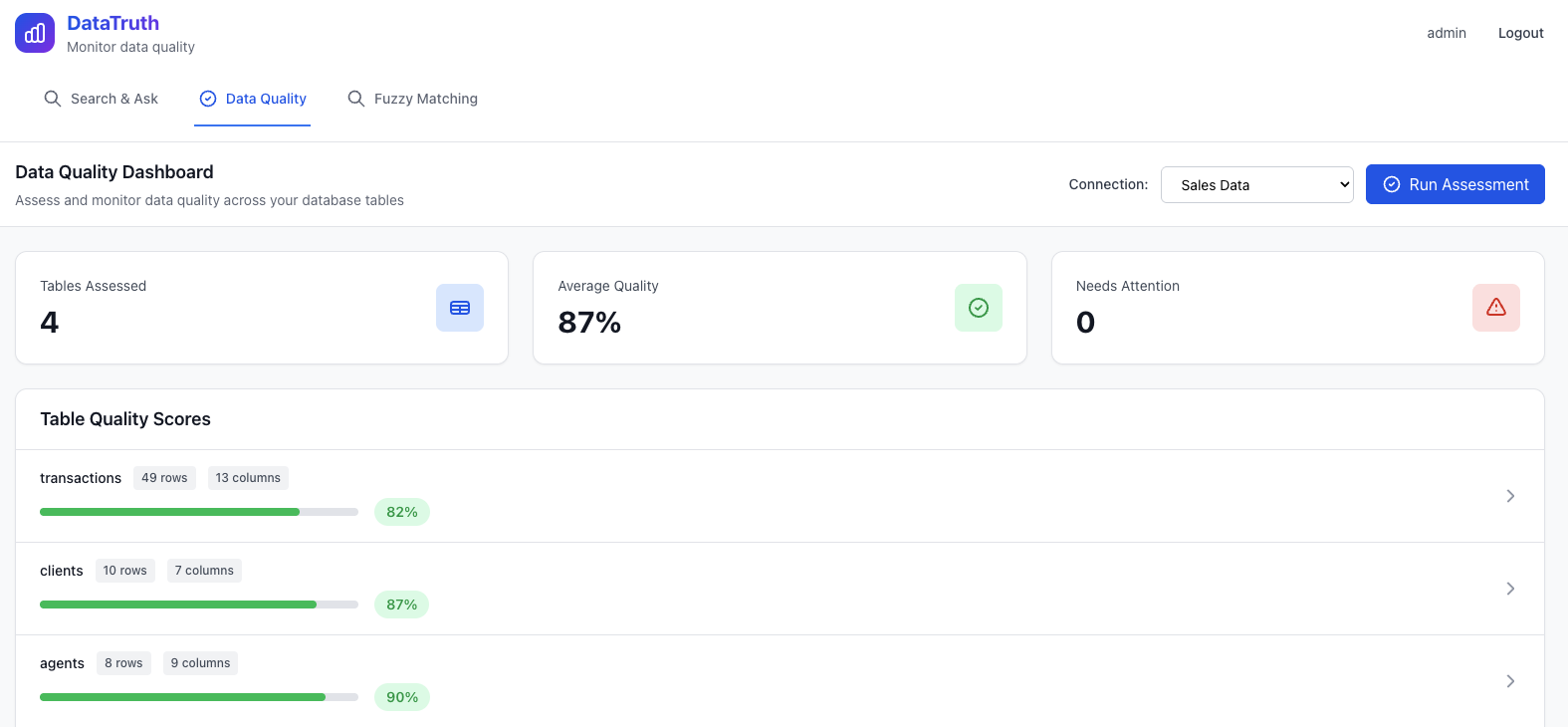
Data Quality Dashboard
6-dimensional quality monitoring across all connected data.
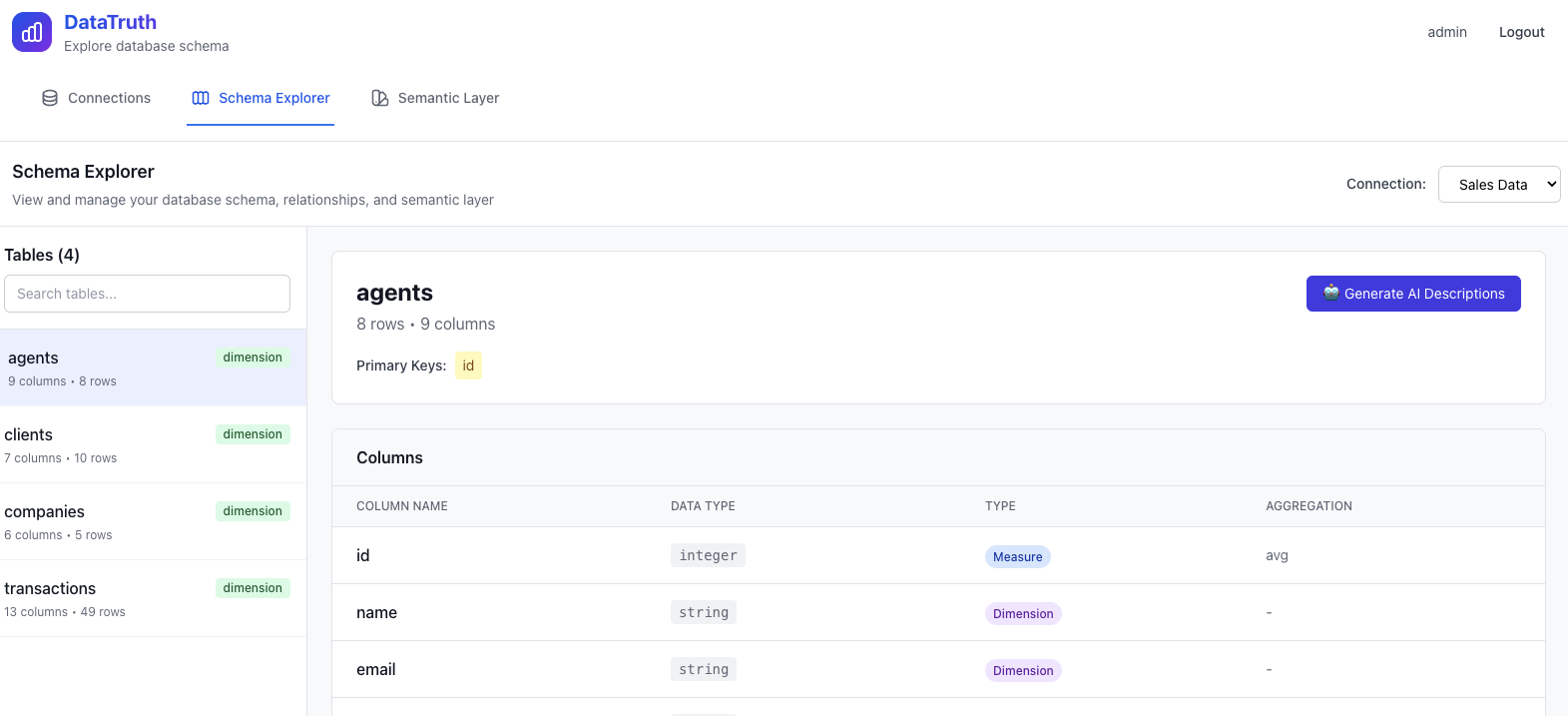
Schema Explorer with AI Descriptions
Browse your database schema with AI-generated, plain-English descriptions of every table and column.
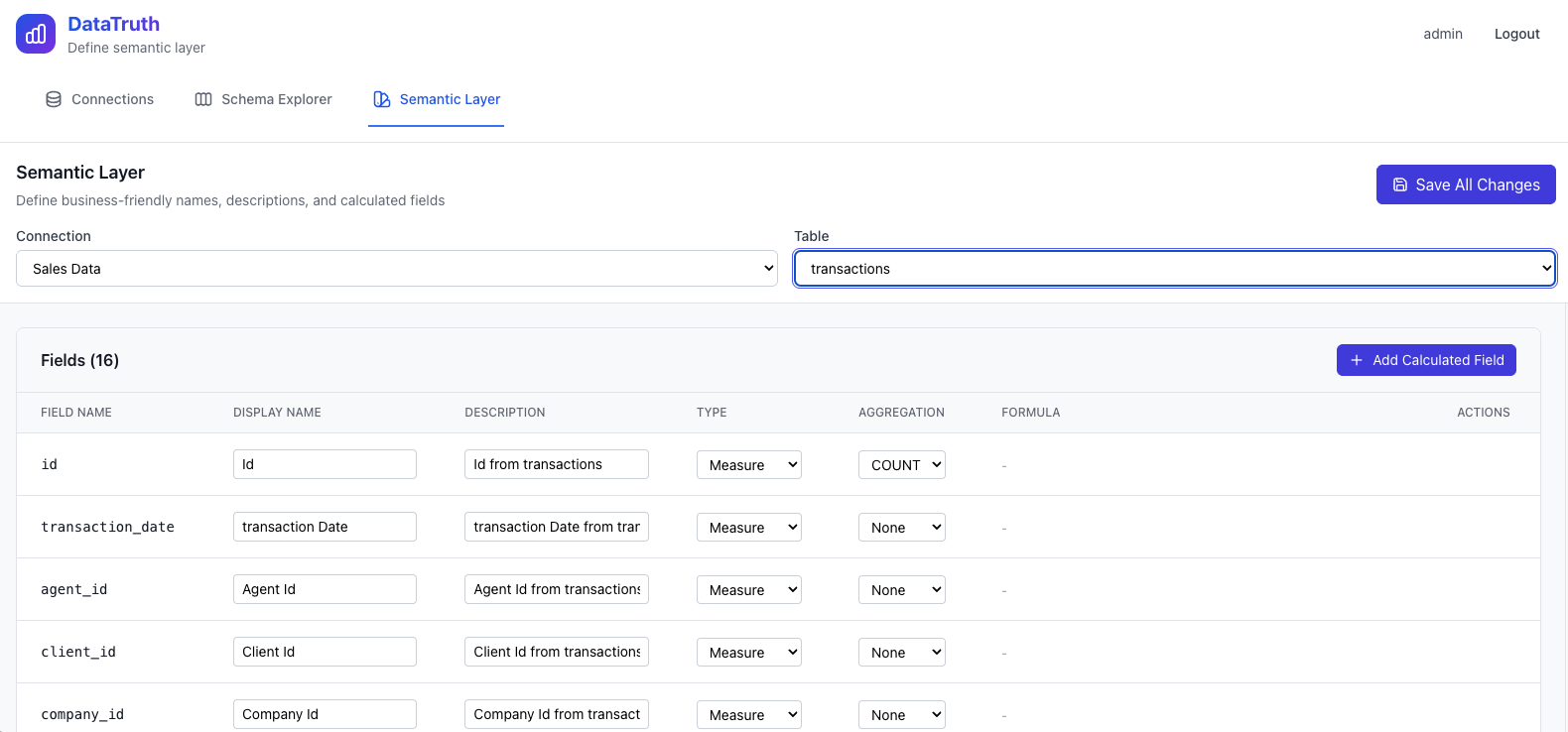
Semantic Layer
Define and manage calculated metrics, KPIs, and business-friendly field names.
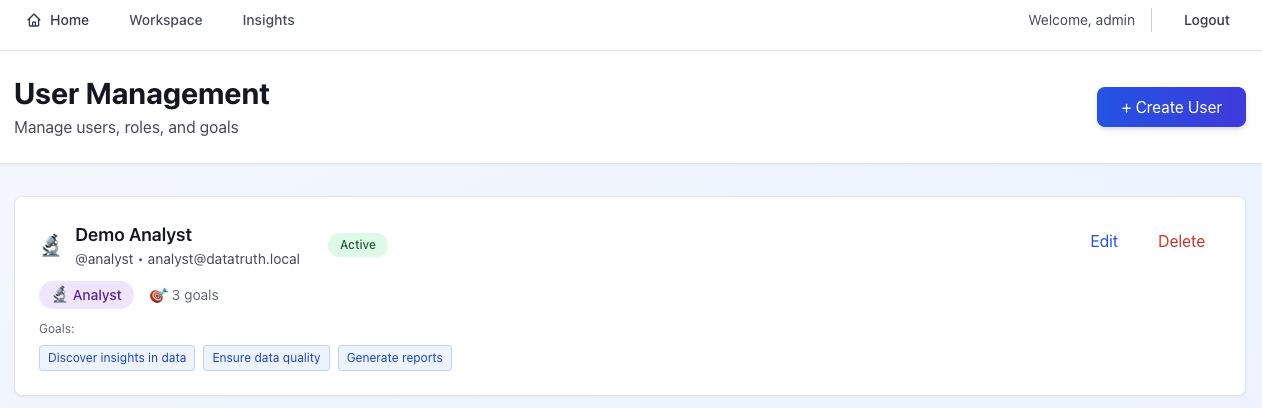
User Management (Admin)
Create users, assign roles, and monitor activity across the organisation.
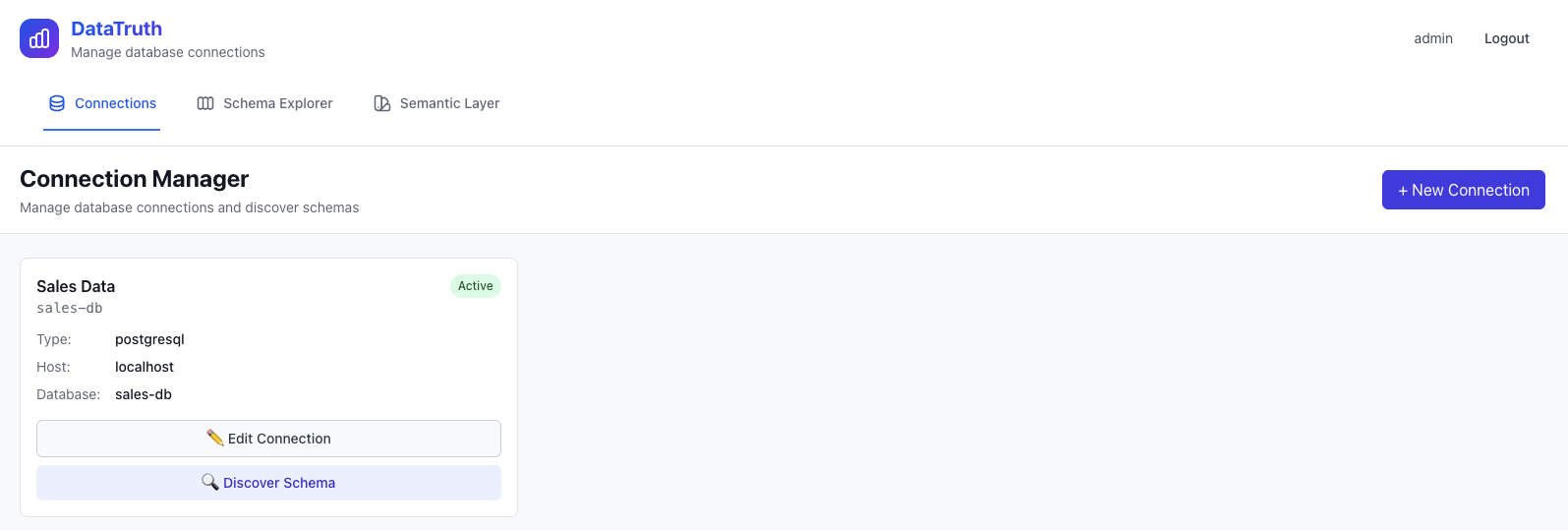
Database Connection Manager (Admin)
Manage all connected databases — add, test, edit, or remove connections.
System Settings (Admin)
Platform-wide settings — AI configuration, security policies, integrations.